PrestaShop employs various types of cache such as Smarty, assets (CSS/JS), XML cache, etc.
It also provides ways to clear individual cache types from our module.
What this module does for you
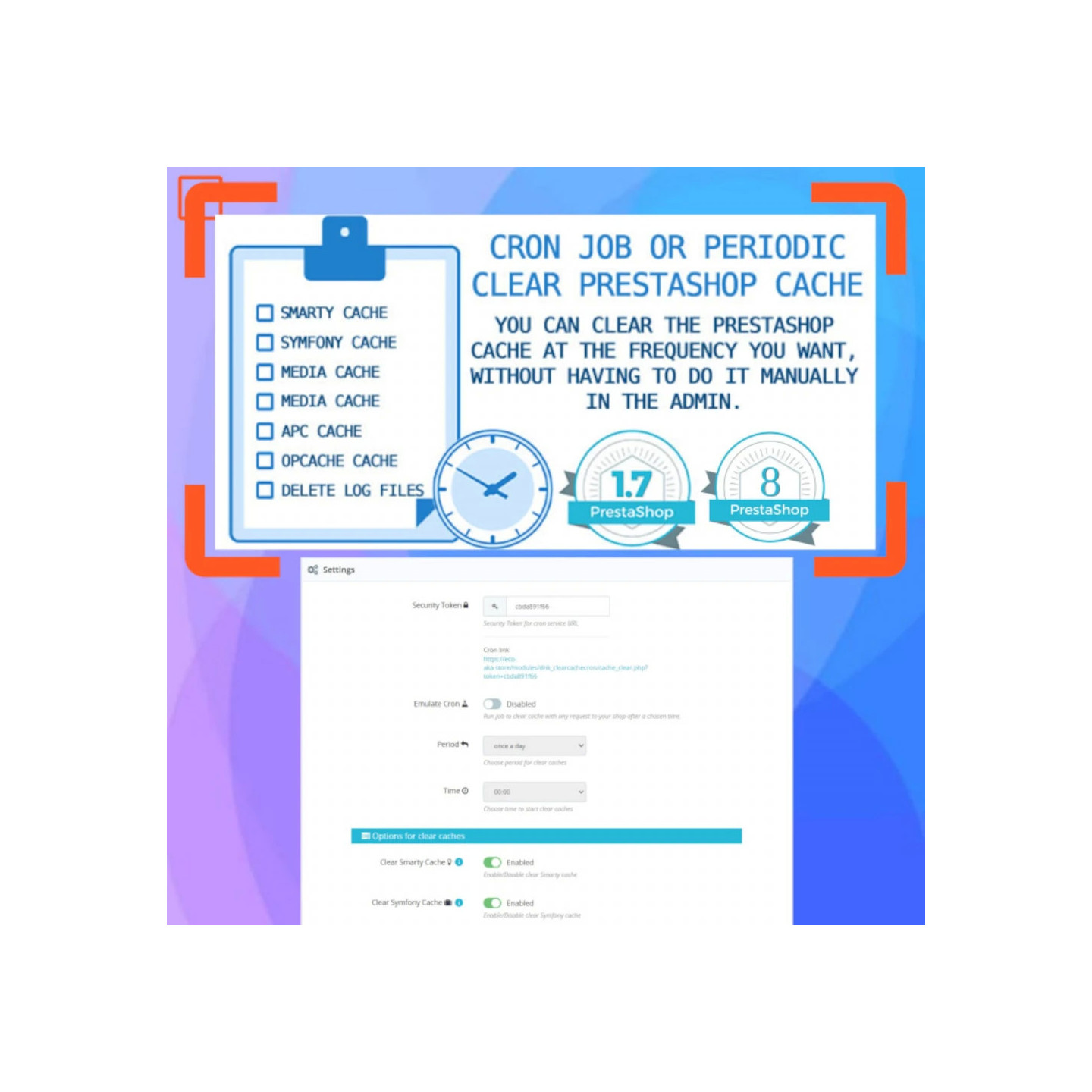
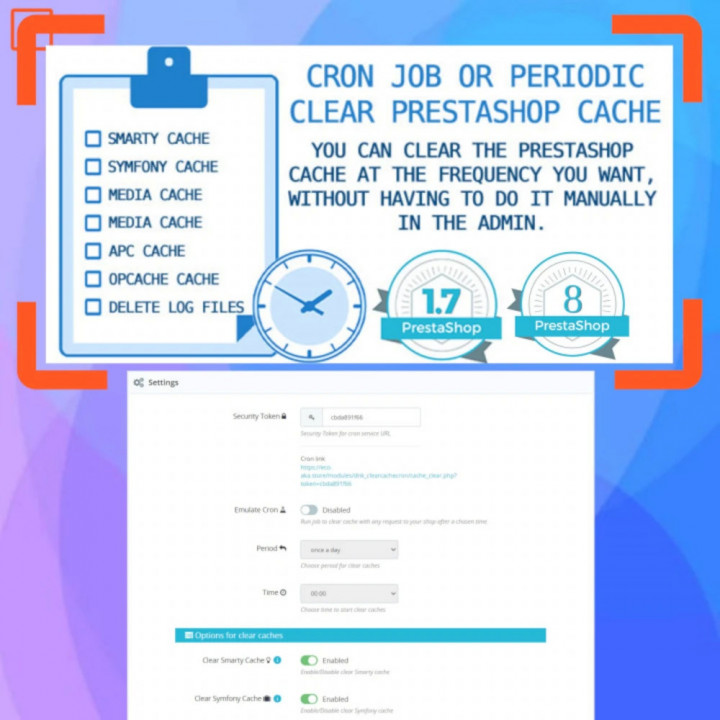
You can clear the Prestashop cache at the frequency you want, without having to do it manually in the Admin.
You won't have any more problems caused by your cache not being refreshed.
Сlean only the right cache.


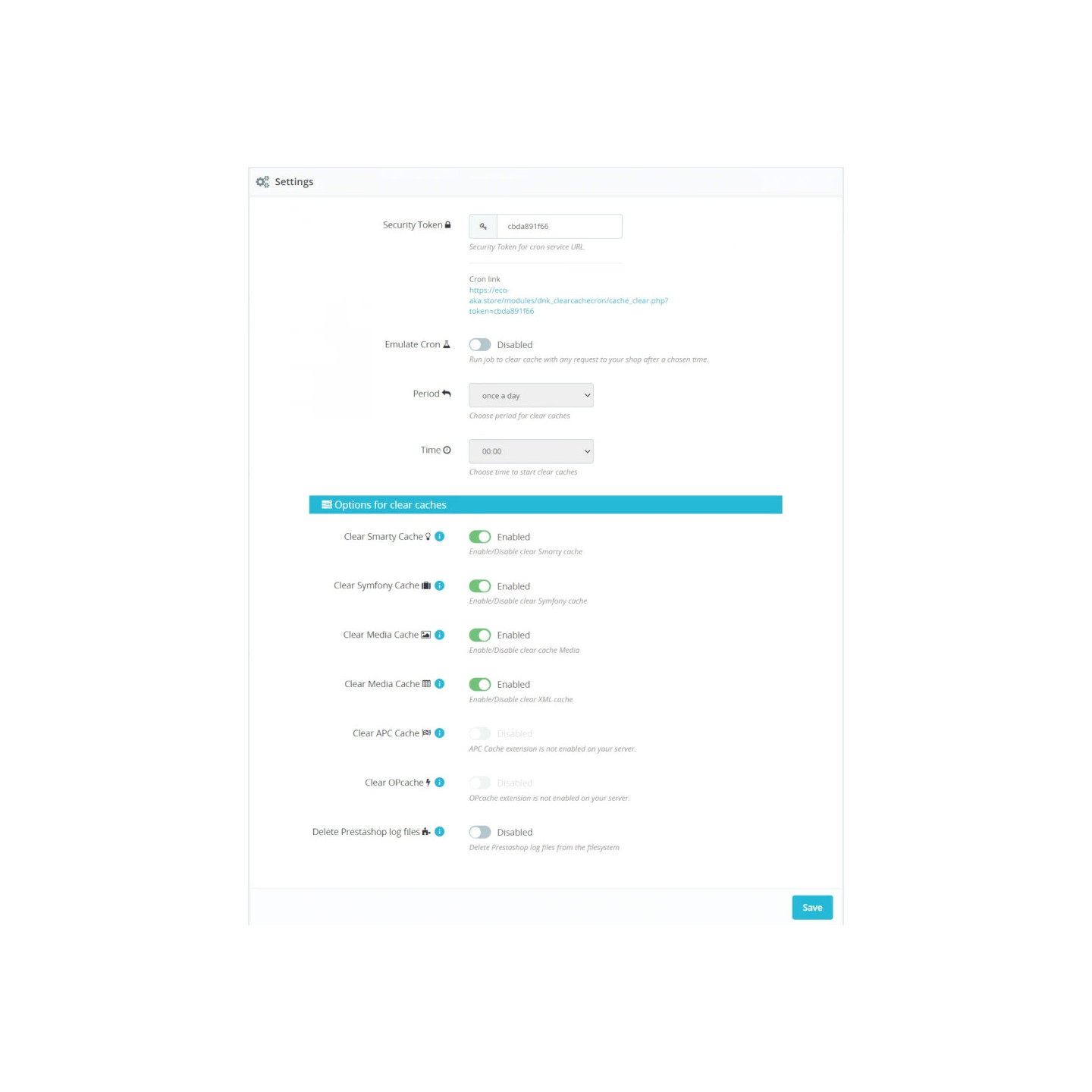
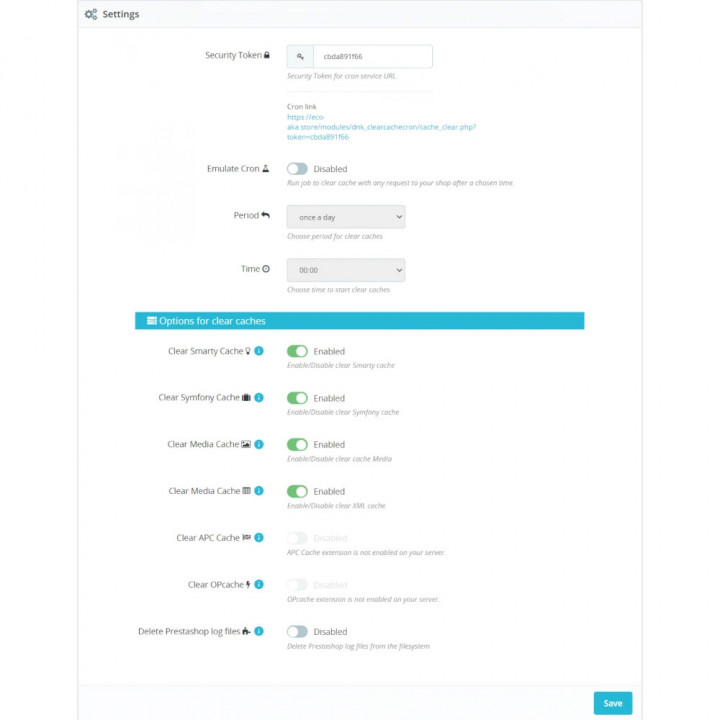
Clear Cache Cron settings
Smarty Cache
The smarty templates in themes and modules are cached in PrestaShop. These templates are stored in compiled form so that rendering is faster.
Symfony Cache:
This cache exists only in PrestaShop version >= 1.7.x.x. Symfony offers 3 types of the cache by default:
Configuration: config, services (in YML, XML etc)
Controllers: YML, Annotations/routing
Doctrine: Entity mapping e.g. fields-columns, table
Media Cache
This cache stores the assets cache i.e. CSS and JS files. You can enable/disable this cache in the CCC section of the Performance tab
This cache is stored in themes/your-theme/assets/cache directory
XML Cache
The XML cache is stored in config/xml directory.
APC Cache
APC is opcode cache for PHP scripts.
Opcache
The Alternative PHP Cache (APC).
Note.
APC and OPcache enable sites to serve page content significantly faster. Using APC or Opcache with PrestaShop is a great way to speed up your site.

check_circle
check_circle